









































| Quantity | Unit Price | You Save |
|---|---|---|
| 5 or more | R 22.31 | 3.00 % |
| 10 or more | R 21.98 | 4.42 % |
| 20 or more | R 21.49 | 6.54 % |
- Stock: 2-3 Days
- MPN: TC08346 210302
- Weight: 0.01kg
- Dimensions: 120.00mm x 62.00mm x 10.00mm
- SKU: TC08346
- UPC: 6009515847326


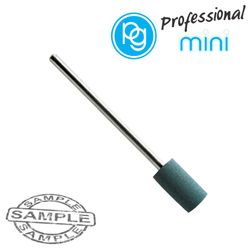
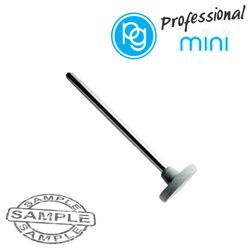
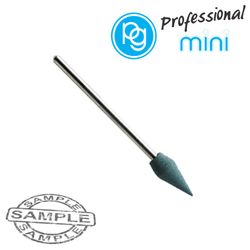
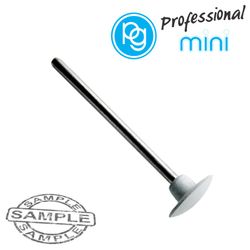
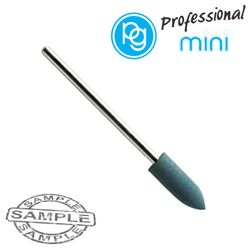
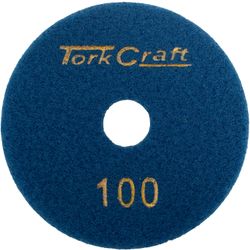
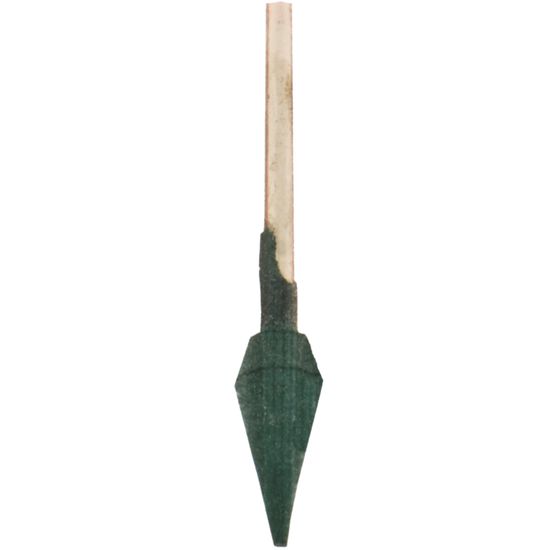
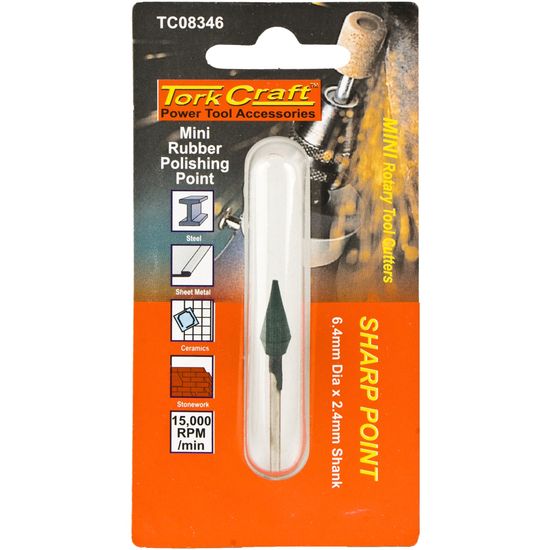
Great for removing light scratch and grinding marks on metals.
Can be used to remove imperfections on ceramic and most stones.
QTY: 1
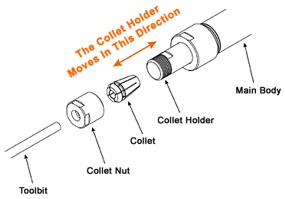
The shank of the rotary cutter is securely locked in place by fitting it in the corresponding collet or making use of a keyless chuck.
Rotation speed:
Most rotary tools have the benefit to adjust the rotation speed. Many tool bits that fit in rotary tools have a maximum speed setting. This can normally be found on the packaging.
All materials react differently to speed and will need the tool bit to rotate slower. It is recommended to start using accessories on the slower speed first, before increasing the speed as needed.
The diameter of the tool bit fitted also determines the rotation speed. The larger the diameter, the slower the speed. If the speed is set too high, it could bend the shank/shaft resulting in injury.